
Dynamic Event QR Codes
Print your event QR code on table cards, photo booths, or the main stage backdrop. Guests scan it with their phone camera, take a quick selfie, and PicsDrop shows them every photo they appear in pulled from hundreds or thousands of shots in seconds. No app download. No account creation.

How it works & What you get
A closer look at what's inside the QR Code module.
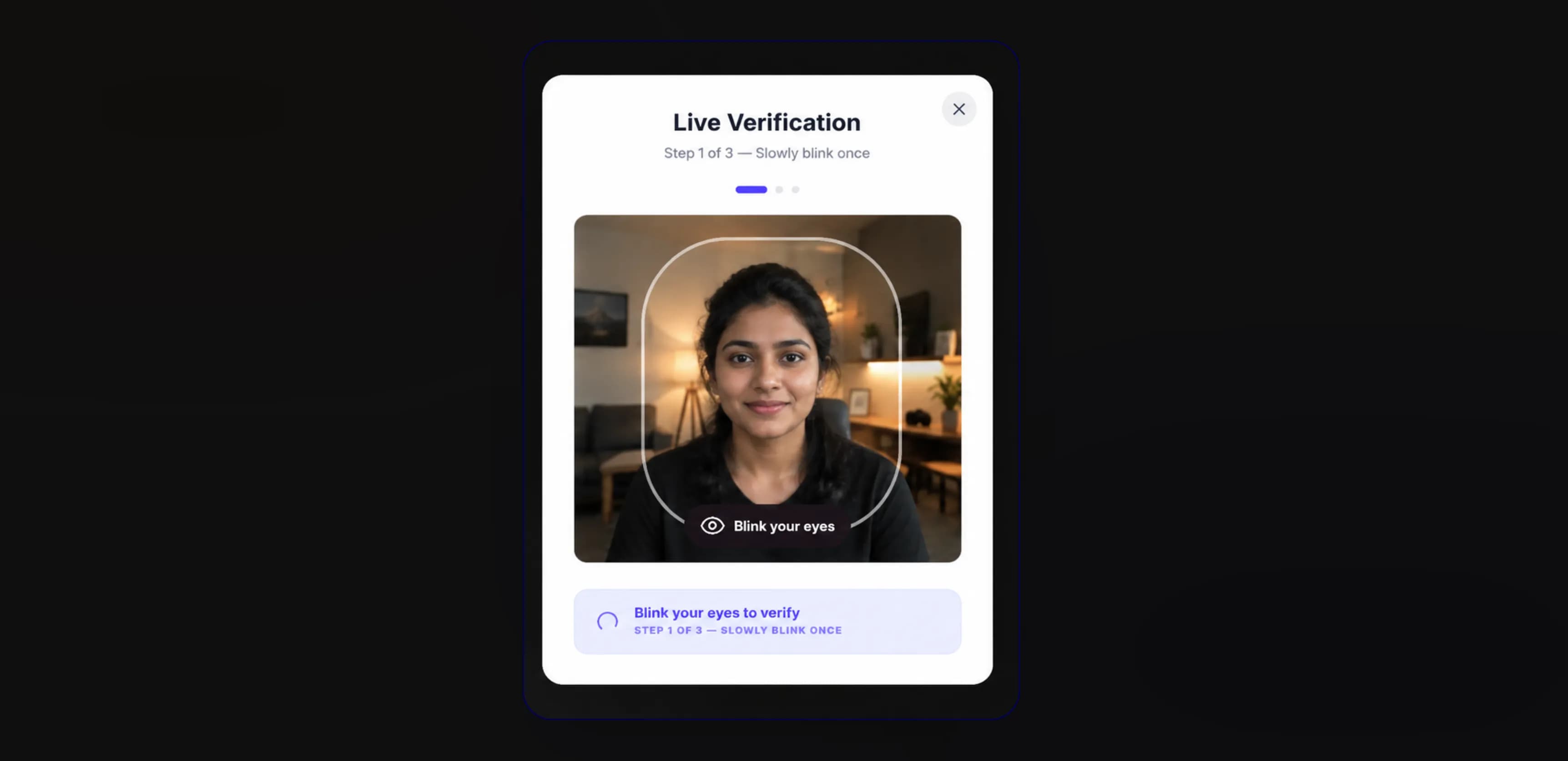
Selfie Search That Actually Works
When a guest scans your QR code, they take a quick selfie or upload one from their camera roll. PicsDrop's face recognition engine scans the full event library and pulls every photo they appear in correctly, even in group shots or dim lighting.
- Private individual view guests only see their own photos
- Matching runs in under 500ms
- No app download or account needed
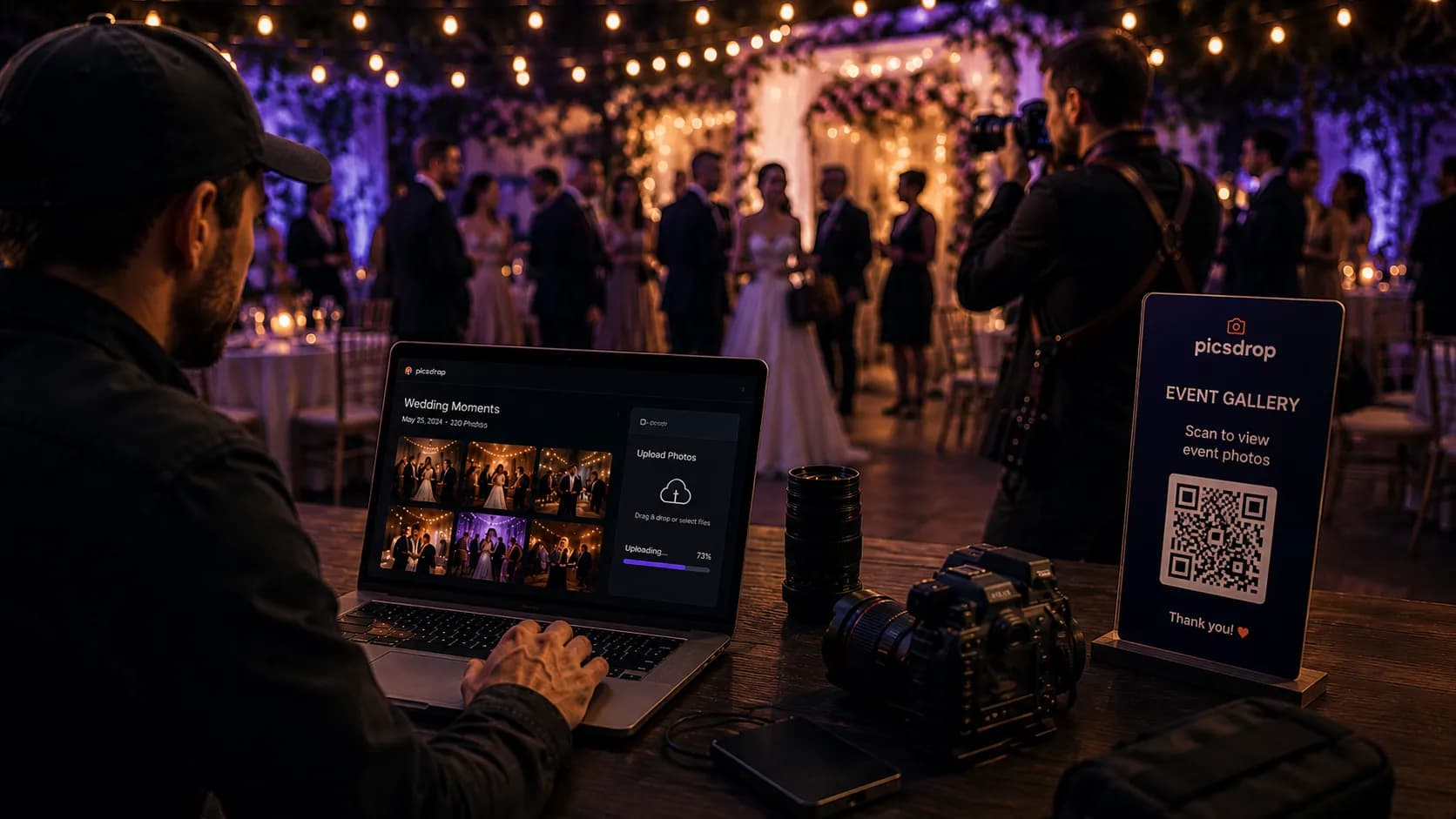
QR Codes That Fit Your Event Branding
Add your logo to the center of the QR code, match the colors to your event theme, and download in SVG, PDF, or PNG format ready to send to the printer. Works perfectly on table cards, banners, and photo booth frames.
- High resolution SVG, PDF, and PNG exports
- Custom instruction frame text (e.g. 'Scan to find your photos')
- Scan count analytics built in
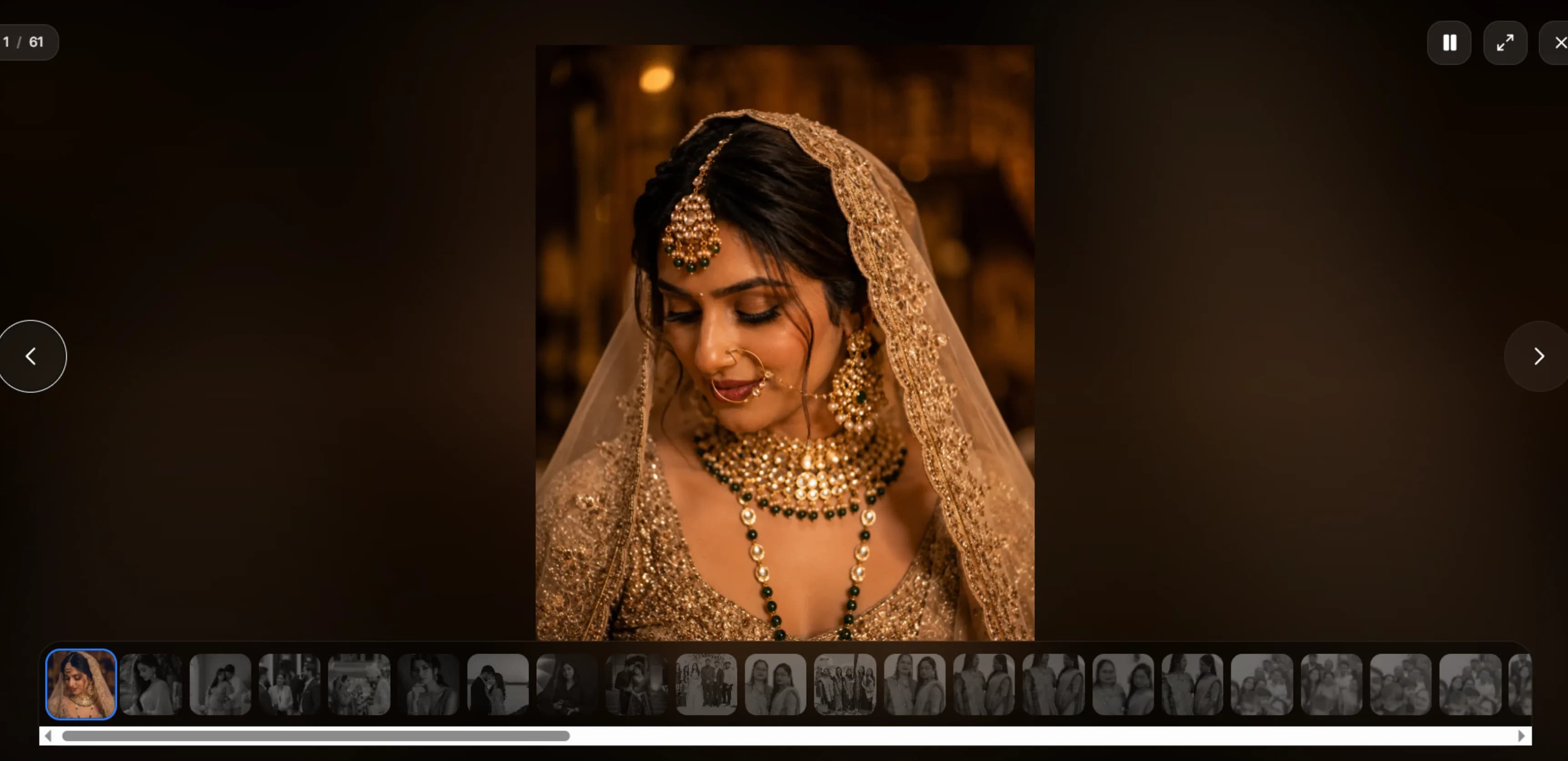
Live Photo Slideshow on the Big Screen
Connect PicsDrop to an LED screen or projector and run a live photo slideshow during the event. As new photos are uploaded, they appear on screen automatically nudging guests to scan the QR code and grab their shots.
- Layouts designed for large TV screens and projectors
- Live photo count and guest scan tracker
- Moderation panel to approve photos before they go live
QR Code — FAQs
A guest scans your QR code, takes a selfie or uploads one, and PicsDrop's face recognition engine scans every uploaded photo in the event and returns only the ones where that person appears in under a second.
Yes. The face recognition engine detects faces individually inside group shots. So if a guest is one of 20 people in a photo, it still shows up in their personal results.
Yes. You can drop your logo in the center of the QR code, adjust the color to match your event theme, and download it as a high resolution SVG, PDF, or PNG file ready to send to a print shop.
Yes. PicsDrop has a live slideshow mode built for TVs, LED walls, and projectors. New photos appear on screen as guests upload them a great nudge for guests to scan and find their own shots.
Ready to try it?
Start using QR Code free today.
No credit card needed. Set up your first event in under a minute and see the difference.
Ready to transform your event photography?
Host your next event, automate client onboarding, print high fidelity QR codes, and deliver photos instantly.